Save what’s there.
Take a photo or choose one from your phone. AI suggests names and details, including legible product labels. Review, then save.
A little less searching. A little more room.
You know you kept it. Now, where did it go?
Save a photo, give it a place, and find it when you need it. From the drawer beside your bed to the boxes in your storage unit.
Free web beta. No credit card needed.
A place for the box. And everything inside.
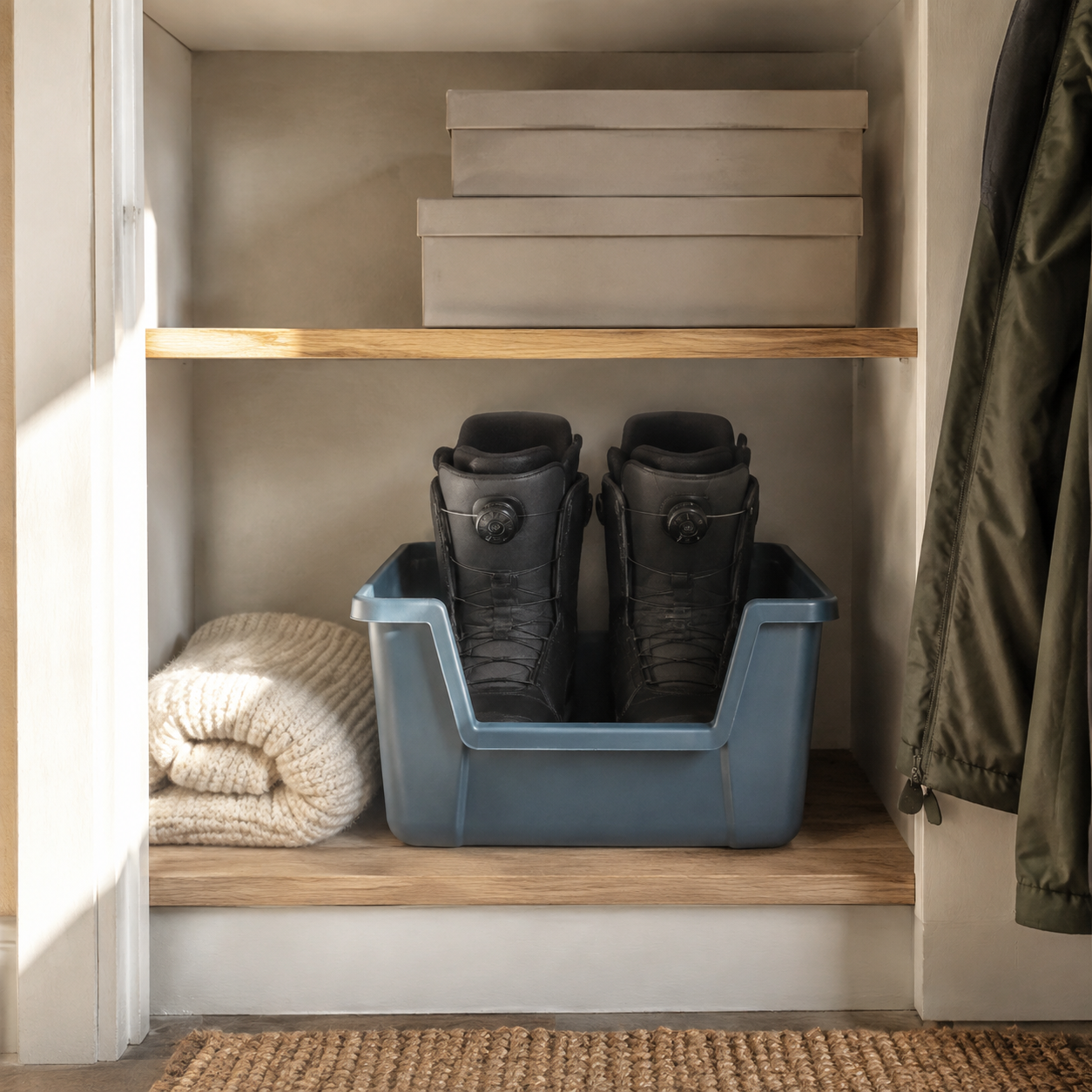
The boots, the goggles, the spare gloves. When you record a box’s new location, every item inside follows it.
No need to update the same place fifteen times.
Make a place for your things15 things inside
Home Hall closet Top shelf Blue winter bin
All 15 things are in the bin at home.
Try recording a new place for the whole bin:
Start small enough to finish
You don’t need to catalog your whole home. Start with what’s in front of you, and build your inventory as you put things away.
Take a photo or choose one from your phone. AI suggests names and details, including legible product labels. Review, then save.
A box, a shelf, a drawer inside a room. Use your own names, then confirm where you put it.
Search for an item and follow its last-confirmed place, from your home or storage unit down to its box.
Your spaces. Your way of putting things away.
Not everything lives in a labeled box. Make a record that follows your home, right down to the pouch inside the drawer.
Add the places you use as you go. No whole-home setup required.
Your places, items, and photos are saved to your private account. Sign in with the same email on another device to find them there.
See when changes are saved. Restore an earlier version or export a backup when you need one.
Before you start
No. Start with one drawer, shelf, or box. Add the items you’re handling now, then add more whenever it’s useful. You can also explore an example home after signing in.
Yes. Create separate locations, then add rooms, shelves, boxes, and the things inside. You can put a box inside another box and move a container with its contents.
No special equipment is needed. Use photos and familiar names like “blue winter bin” or “under the bed.” For boxes that look alike, add a simple label or a distinguishing detail. When you move something, update its place in the app. Photos cannot track unrecorded moves.
AI suggests items or storage spots from a photo, reads legible product labels, and helps find things from everyday descriptions. Tell it what you’re organizing today for useful next steps and storage suggestions. You review details and confirm where things actually go. Enable assistance once to send selected information through Vercel to xAI. It cannot see inside closed boxes or track moves you haven’t recorded.
Yes. Mark an item Keep, Sell, Donate, or Decide later while keeping track of where it is. You don’t have to decide everything during a cleanup. Automatic marketplace posting is not part of this beta. An item stays in your inventory until you confirm it left.
Private account storage, multiple locations, nested boxes and shelves, search, keep/sell/donate lists, version recovery, and backup export. The beta is free and includes up to 100 distinct photos, 5 MB each. AI assistance includes up to 40 requests per hour and 100 per day per account, subject to shared beta capacity. Paid plans are not available yet.
Yes. Open the web beta in your phone’s browser and sign in with an email code. Your account also works on a computer. An App Store release and sharing between separate household accounts are not available yet.
Your first box is a good place to begin.
Free web beta. Up to 100 photos.